
Download FactuSol – Business Management, Purchase Tracking, Sales Tracking, Inventory Control, Invoice Printing, Data Export, Accounting Tool
Overview
FactuSol is a mobile business management application designed to streamline operations for small to medium-sized enterprises. The app offers a centralized platform for managing key aspects of business activity, including purchasing, sales, warehouse inventory, and data export. Its primary purpose is to simplify daily administrative tasks by providing a structured, user-friendly environment for tracking transactions and maintaining accurate records. The app targets entrepreneurs, shop owners, and business managers who require a reliable tool to monitor financial flows without the complexity of enterprise-level software.
By integrating purchasing, sales, and inventory functions into a single interface, FactuSol reduces the need for multiple tools or manual record-keeping. This integration helps minimize errors and improves operational efficiency. Real-world use cases include managing supplier orders, tracking customer invoices, monitoring stock levels, and generating reports for financial review. The app’s ability to export data to formats such as Microsoft Word and Excel enhances its utility for accounting and reporting purposes. While the developer did not provide additional technical details, the app’s focus on core business functions suggests it is built for practical, day-to-day use rather than advanced analytics or cloud synchronization.
FactuSol occupies a niche in the business productivity ecosystem by offering a lightweight, free solution tailored to users who prioritize simplicity and functionality. It serves as a foundational tool for businesses that need to digitize their operations without significant investment. The release date of June 19, 2021, indicates it has been in the market for several years, suggesting a stable and tested user experience.
Key Features & Functionality
- Intuitive User Interface: The app features a clean, well-organized layout that enables users to navigate between modules with minimal effort. Even individuals with limited technical experience can quickly learn how to use the app, reducing the learning curve associated with business software.
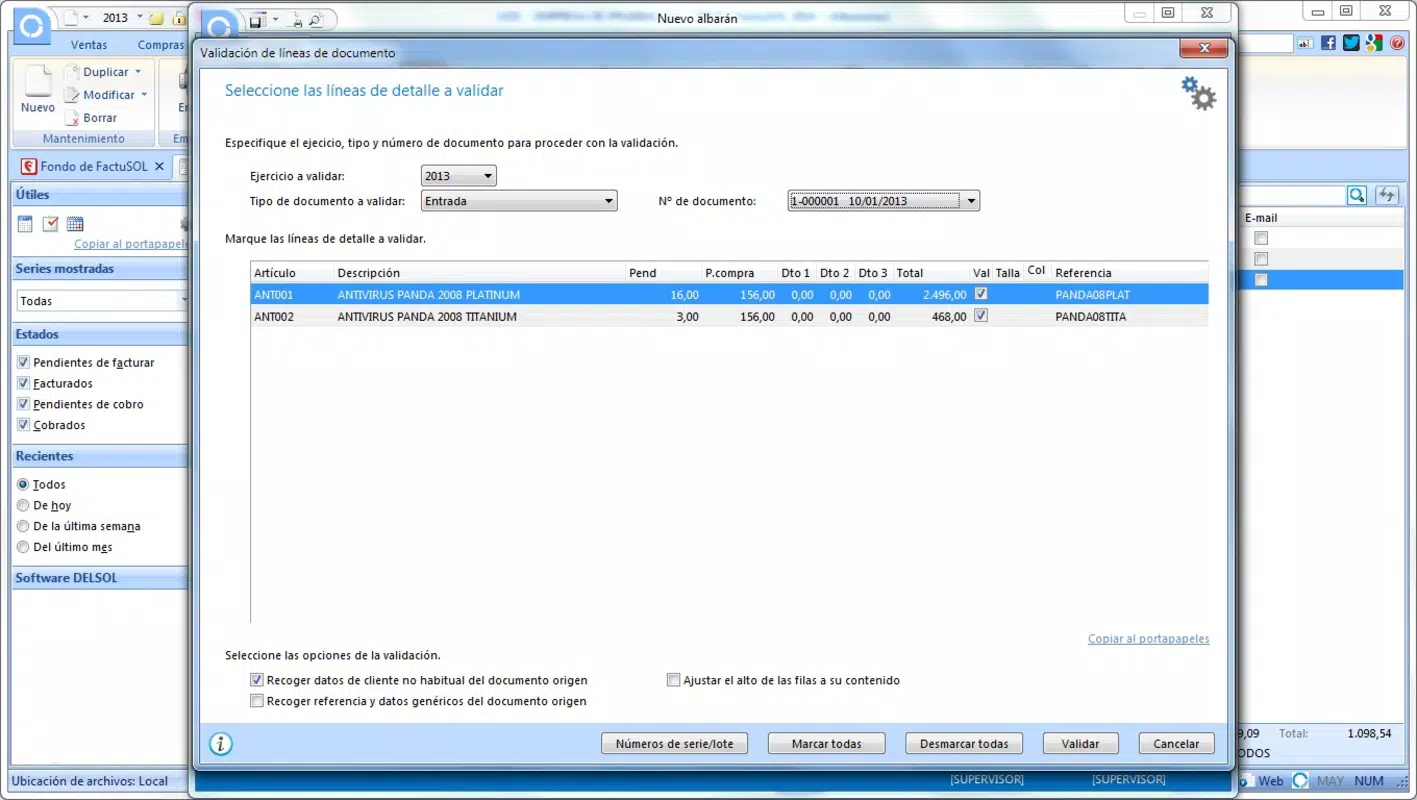
- Comprehensive Purchasing Section: This module allows users to manage vendor information, place purchase orders, record invoices, and track payments. It supports efficient oversight of supplier relationships and ensures that all procurement activities are documented and traceable.
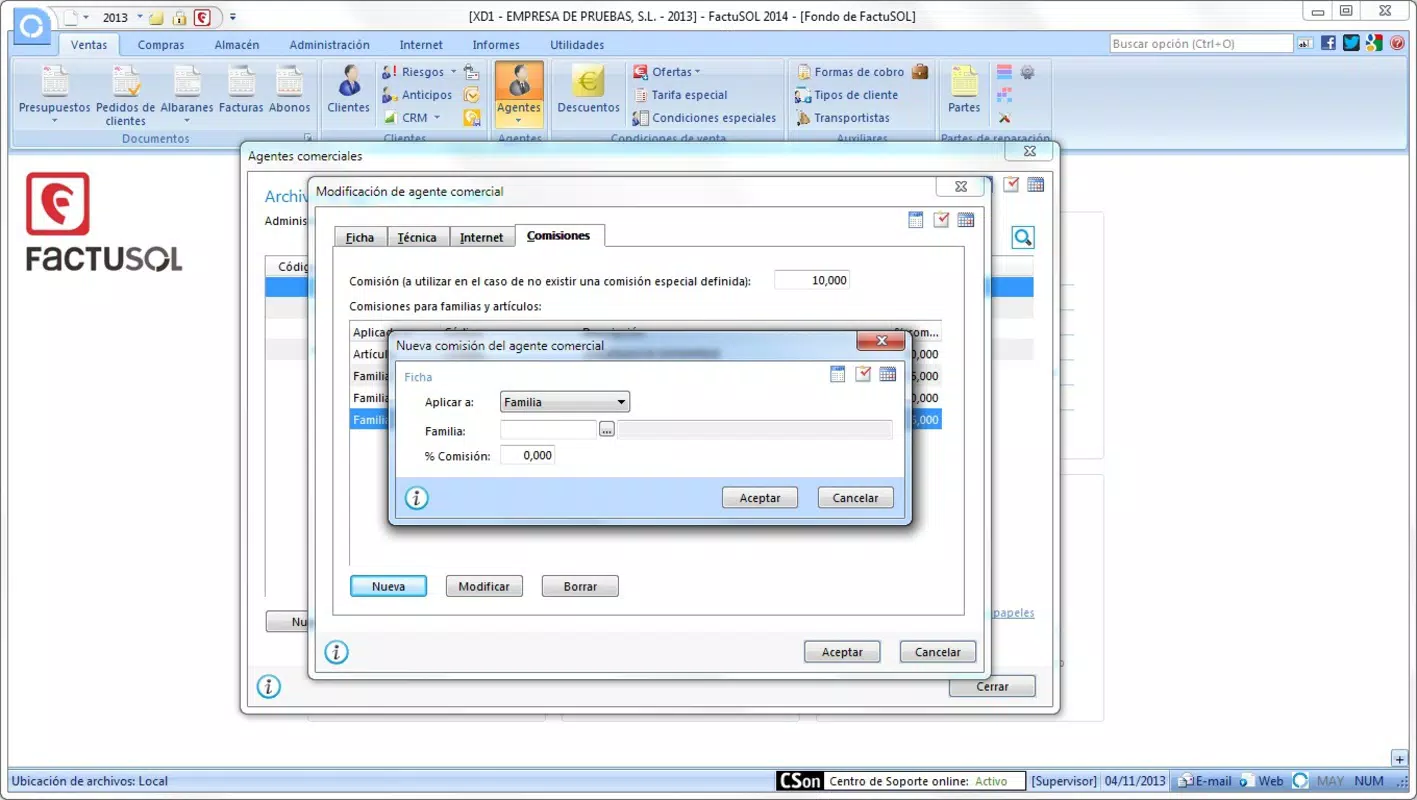
- Detailed Sales Management: Users can maintain customer profiles, create invoices, apply special pricing, and monitor sales performance. This functionality supports accurate billing and strengthens customer service by enabling personalized interactions.
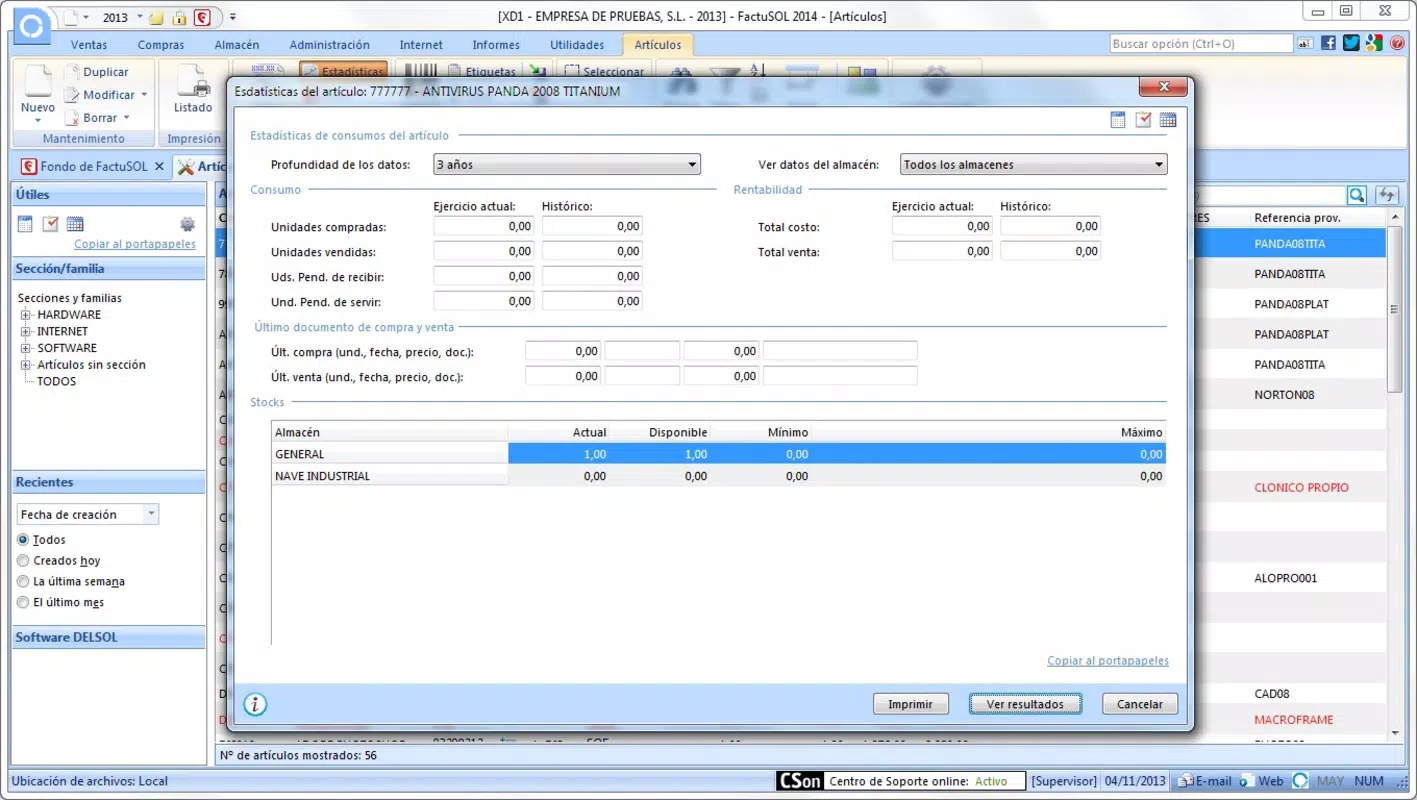
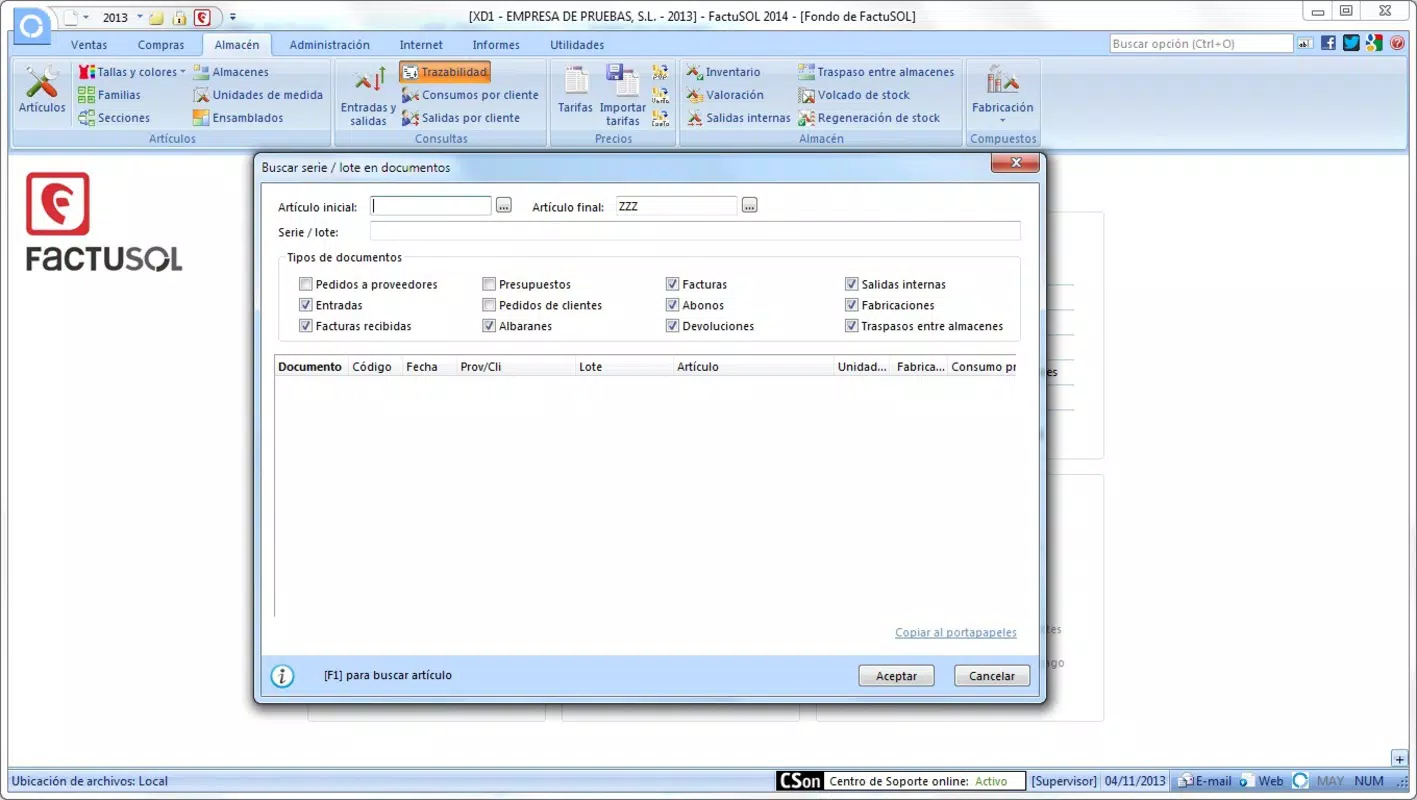
- Efficient Inventory Control: The warehouse section provides tools to track stock levels, record incoming and outgoing goods, and manage product categories. This feature helps prevent overstocking or stockouts, contributing to better supply chain management.
- Helpful Utilities: Built-in tools such as a calculator, to-do list, and address book support daily operations. These utilities enhance productivity by consolidating common tasks within a single application.
- Data Export and Printing: FactuSol enables users to export transaction data to popular formats like Microsoft Word and Excel. It also supports direct printing of invoices and reports, which is essential for businesses that need physical documentation for audits or client delivery.
For example, a small retail store owner can use the purchasing module to track orders from suppliers, use the sales section to issue invoices to customers, and rely on the inventory tracker to reorder stock before it runs out. The ability to export data to Excel allows for further analysis or integration with accounting systems. These features collectively support a seamless workflow across different stages of business operations.
Interface, UX & Performance
The user interface of FactuSol is designed with simplicity and clarity in mind. The layout is straightforward, with clearly labeled sections and consistent navigation patterns. Users can access core functions—purchasing, sales, inventory, and utilities—through a central menu, minimizing the number of taps required to complete tasks. Visual elements are minimal but functional, focusing on usability over aesthetics.
Navigating between modules is smooth, and the app maintains a consistent design language across all screens. The absence of clutter contributes to a low cognitive load, making it accessible even to users with limited digital literacy. Although the developer did not list formal performance metrics, the app’s lightweight size of 22.7 MB suggests it is optimized for efficient operation on a range of Android devices, including older models.
Responsiveness is adequate for basic tasks such as data entry, form filling, and navigation. Stability appears to be a strength, as the app has remained available since its release in 2021 without reported widespread crashes. However, specific requirements for device performance, memory, or background processing were not disclosed. Users should expect a stable experience for routine business tasks, though complex operations may vary depending on device capabilities.
Platform Compatibility & Technical Requirements
FactuSol is available exclusively on the Android platform. The app is compatible with Android devices running the operating system version specified in the release details. The current software version is 1.1, with a file size of 22.7 MB, indicating a compact and lightweight installation.
While the developer did not specify minimum OS requirements or hardware specifications, the app’s size and focus on core business functions suggest it is designed to run efficiently on mid-range and older Android devices. Users should verify compatibility with their device’s system version before installation. The app is free to download and use, with no in-app purchases or subscription fees reported.
Although the developer did not fully disclose compatibility details, the app’s long-standing presence on the platform indicates it has been tested across various device configurations. For users seeking a mobile solution for business management, FactuSol offers a practical entry point, especially for those using Android smartphones or tablets.
Pros and Cons
Pros
- Free to download and use, making it accessible to budget-conscious users.
- Compact file size (22.7 MB) ensures quick installation and minimal storage usage.
- Intuitive interface suitable for users with limited technical experience.
- Comprehensive functionality covering purchasing, sales, inventory, and utilities.
- Supports data export to Microsoft Word and Excel for reporting and accounting.
- Includes useful built-in tools like calculator, to-do list, and address book.
Cons
- The developer did not provide detailed information about system requirements or compatibility.
- No mention of cloud backup or synchronization features.
- Limited information on update frequency or future development plans.
- May lack advanced analytics or reporting capabilities beyond basic data export.
- Only available on Android, limiting access for iOS users.
FAQ
Is FactuSol safe to download and install?
Yes, the app is available through official Android channels and has been in use since 2021. No security warnings have been reported.
Can I use FactuSol on my iPhone or iPad?
Currently, FactuSol is only available for Android devices. There is no official iOS version available.
Does FactuSol support cloud backup or data sync?
The developer did not disclose whether cloud backup or synchronization is supported. All data appears to be stored locally on the device.
How often is FactuSol updated?
Specific update frequency was not provided. The latest version is 1.1, released in 2021.
Can I export my business data to Excel or Word?
Yes, FactuSol allows users to export transaction data to Microsoft Word and Excel formats for reporting and accounting purposes.
Final Thoughts
FactuSol delivers a practical, no-frills solution for small businesses seeking to digitize their operations. Its clean interface, combined with essential features like purchase tracking, sales management, inventory control, and data export, makes it a valuable tool for entrepreneurs and shop owners. While it lacks advanced features such as cloud sync or real-time collaboration, its core functionality is well-executed and reliable.
For users who need a lightweight, free mobile app to manage daily business tasks without complexity, FactuSol stands out as a dependable option. It offers real utility in organizing financial records, tracking stock, and generating printable reports—key components of effective business management.
Download FactuSol now


